Step 6 of 6 · Practice with Joe Garcia
Review Joe's workspace
Find the records you created and choose what to learn next.
On this page
Review your work#
- Open Joe's Overview.
- Open Colleges to find the school and list note you added.
- Open Essays, select Joe's practice essay, and find its prompt and current draft.
- Open Tasks, select Prepare questions for our next meeting, and check its instructions, due date, and completion state.
- Open Calendar to find the dated task.
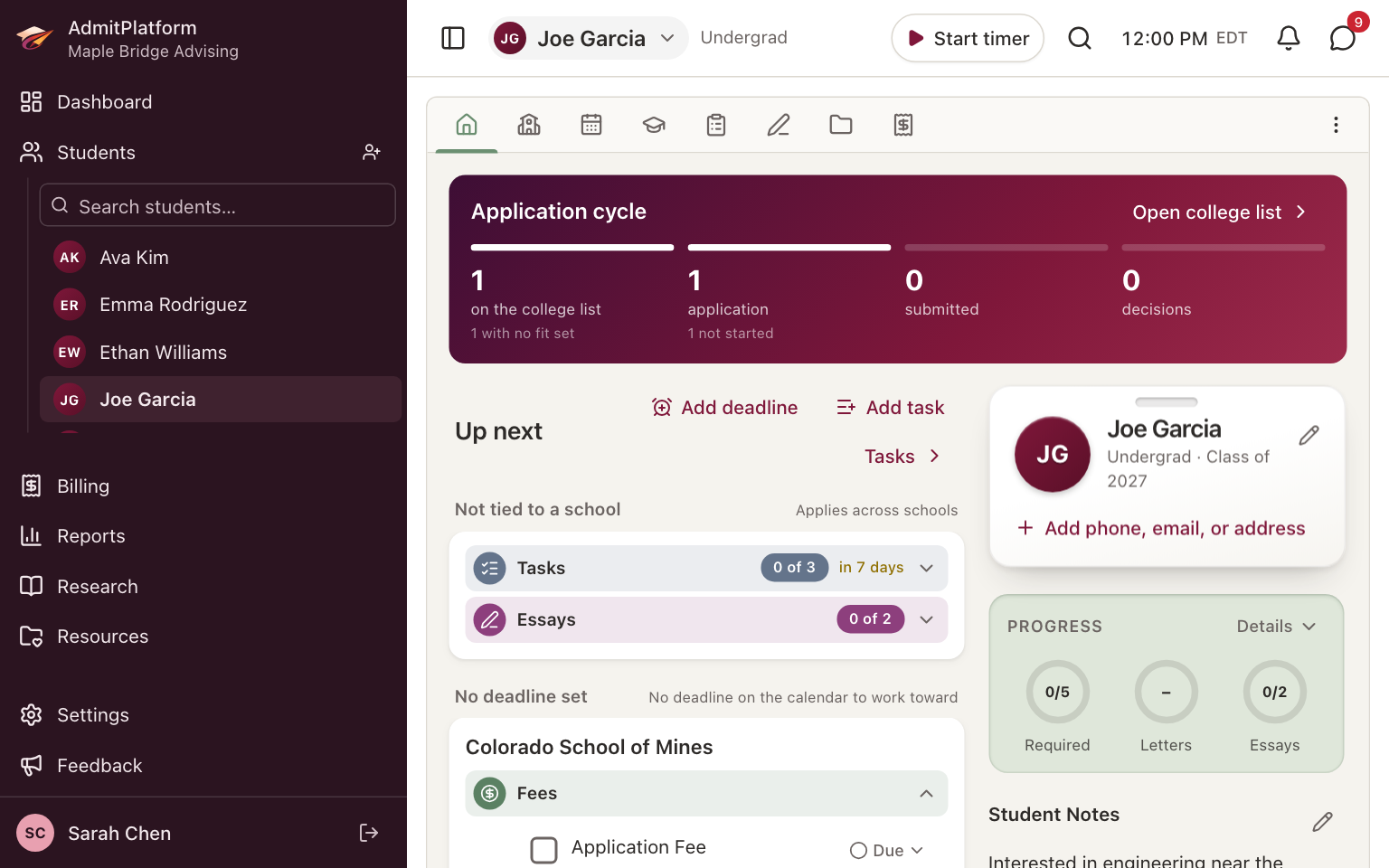
You now have the basic workflow: profile, college list, essay, task, and calendar. Keep Joe for further practice, or follow Archiving and transfers to archive the example.
Next: work with a real family#
For a real student's workspace, Family portal explains how to create access and choose visible content. Google Drive covers document sharing, which is separate from portal access. Joe's tutorial ends without issuing a portal link.
Other useful next steps:
Last updated November 22, 2026