Step 2 of 6 · Practice with Joe Garcia
Adding a student
Create a student profile and open their workspace.
On this page
Create Joe's profile#
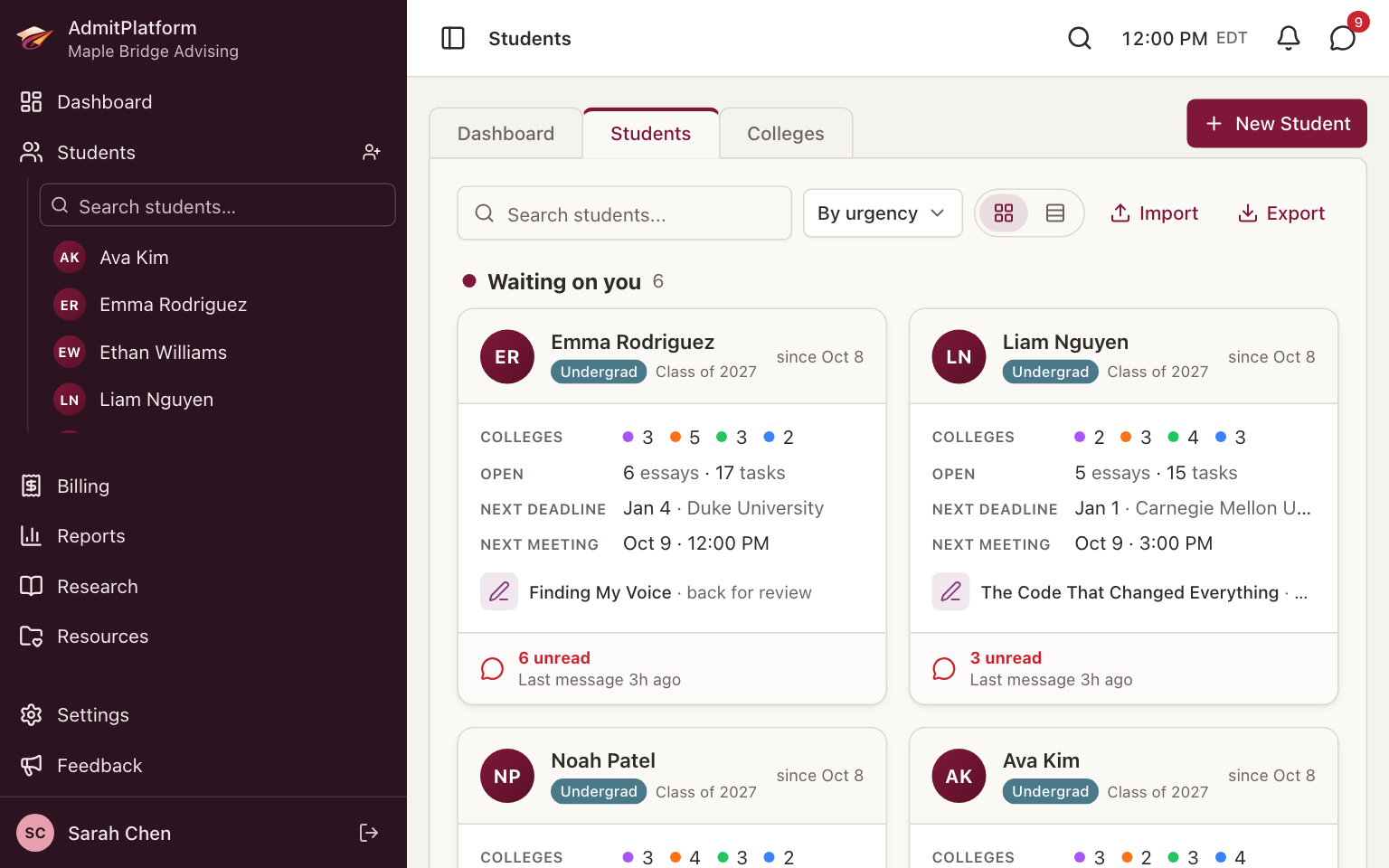
- Open AdmitPlatform, open Students, and select New Student.
- Enter Joe in First name and Garcia in Last name. Select the student Type for your practice exercise.
- In Entering, choose the entry term and year you want to use for Joe's example.
- Leave Phone and Email blank. If Share their Google Drive folder with Joe appears, clear it. It starts checked and otherwise grants access when an email is added later.
- Expand Notes and enter: “Interested in engineering near the Colorado Rockies.” These initial notes are for your team.
- Select Create student.
Joe's workspace opens. Use Overview as your starting point and the student navigation to open Colleges, Calendar, Academics, Tasks, Essays, or Files.
You can add schools, test scores, and other profile details later. See Students and your caseload for those fields.
Last updated November 22, 2026