Google Drive sync for student files
Student files auto-sync to organized Google Drive folders.
College consulting software for IECs
AdmitPlatform is the college consulting software independent educational consultants use to plan every student’s applications and keep each family up to date.
Free plan available. 45 day free trial on paid features.
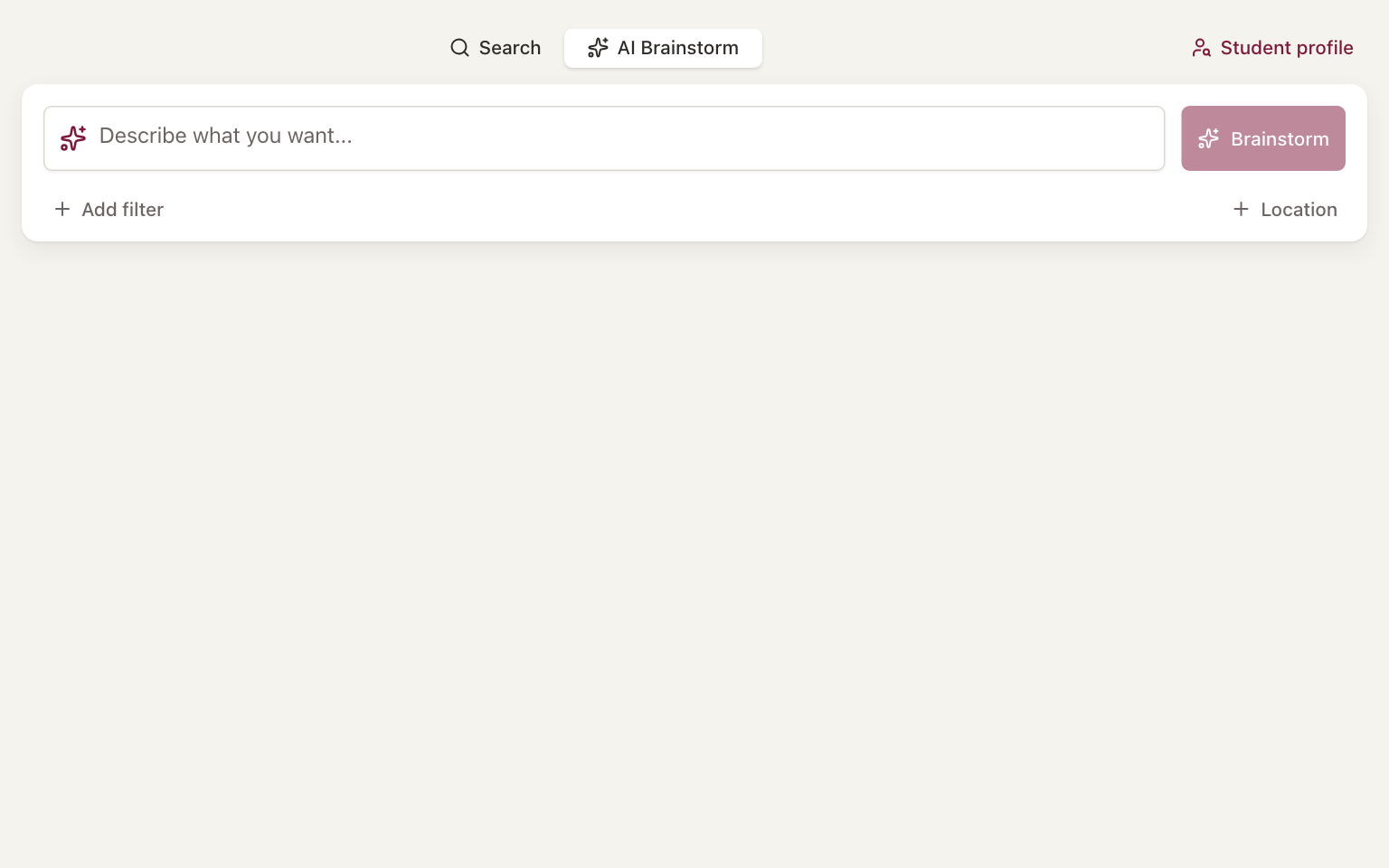
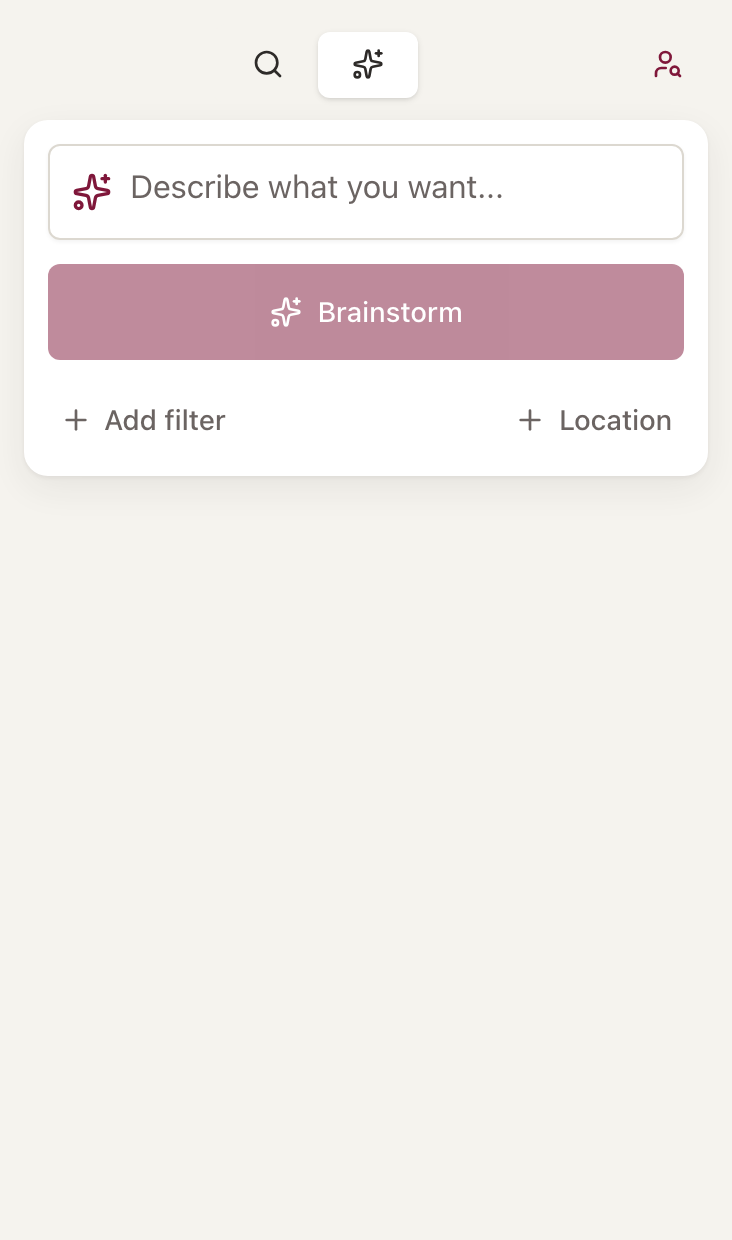
College Research · 1 of 7
Describe what a student is looking for, compare colleges, and save promising options to their list. AI search explains why each result matches your request.
College Lists · 2 of 7
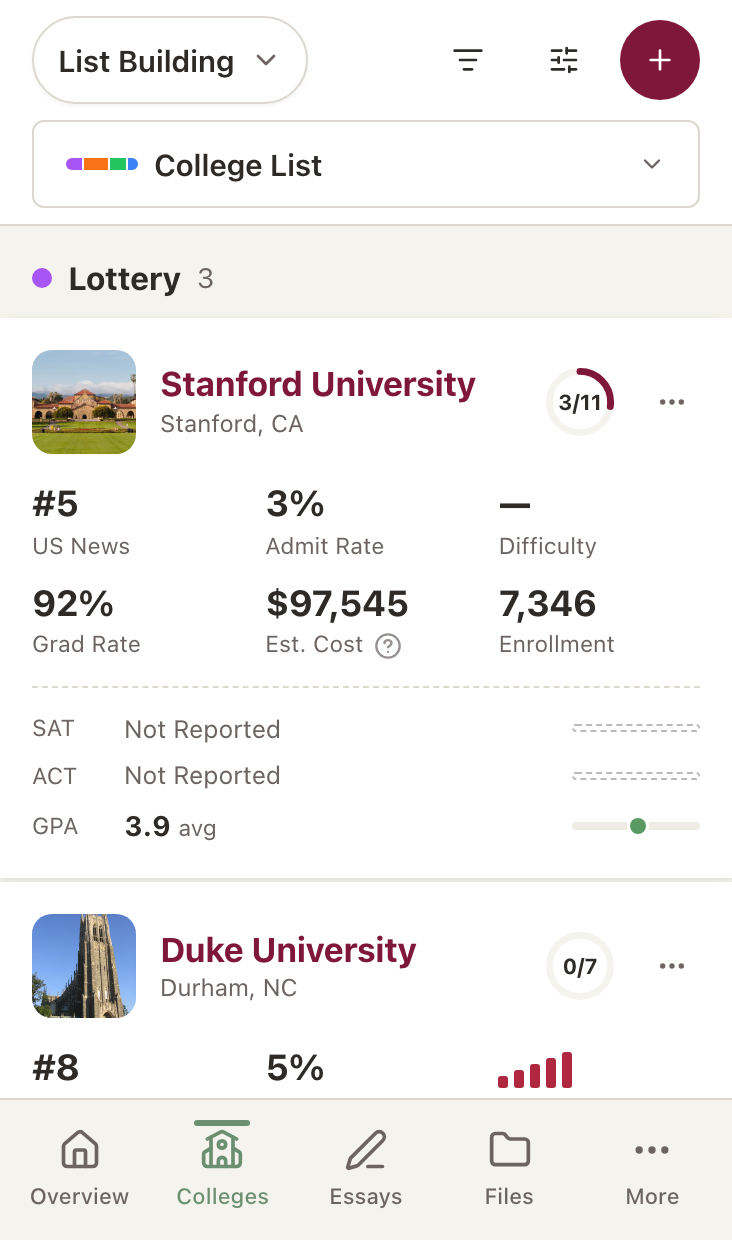
Build each student’s list with per-school notes, group the schools by fit, and see each application’s progress beside its school.
Student Progress & Deadlines · 3 of 7
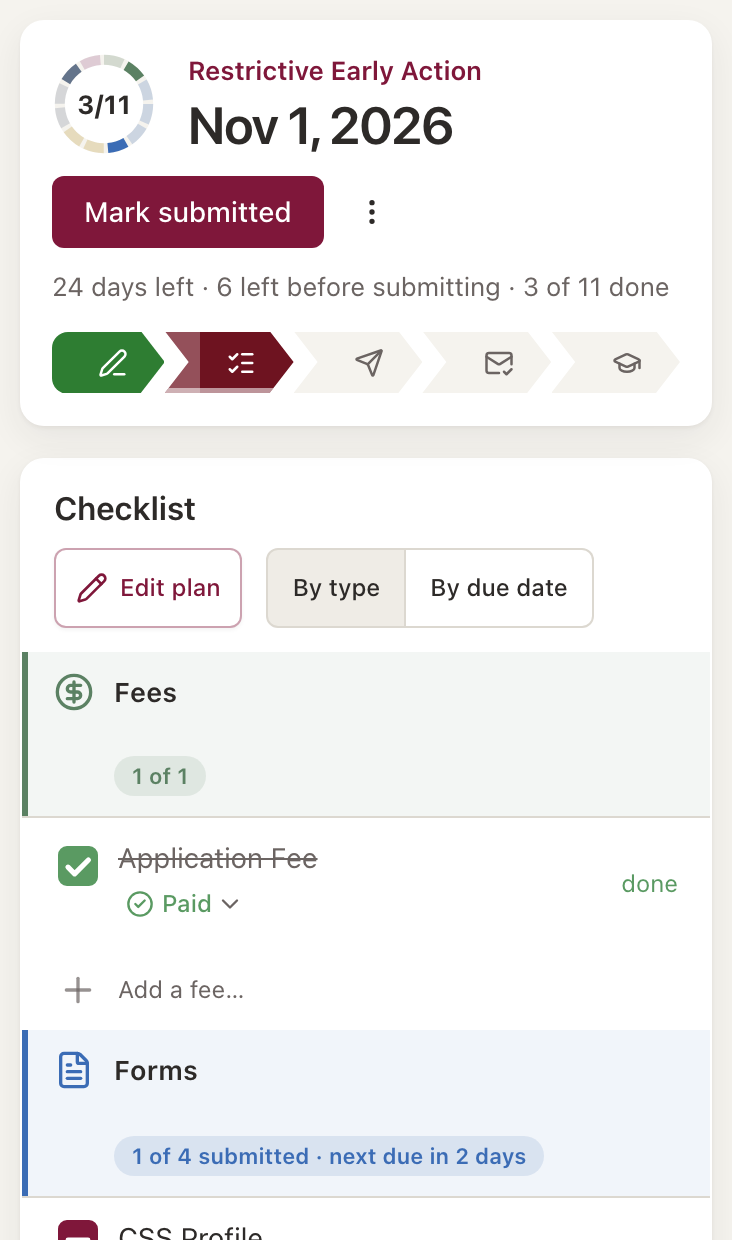
See every deadline, task, and milestone for every student, in one place. Deadlines import automatically and are verified against multiple sources, including school websites.
Application Tracking · 4 of 7
Your master checklist, connected to the application work itself. Bring essays, recommenders, forms, fees and tasks together so you can see what stands between each student and submission.
Essay Prompt Database · 5 of 7
Keep essay prompts and drafts connected to each application. Track writing from not started to Final, with Common App, supplemental, and non-Common App prompts in one place.
Student & Parent Portal · 6 of 7
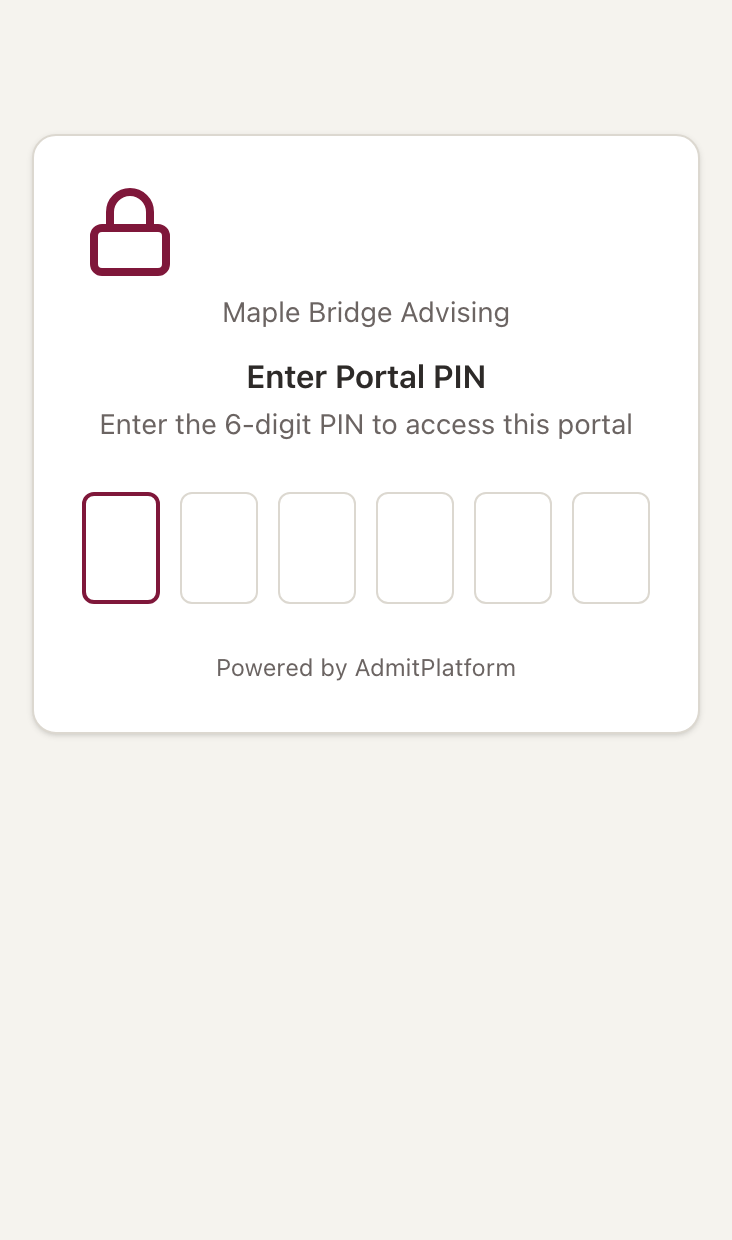
Parents and students get their own secure portal, no account signup needed. Just a link and a PIN. They can check college lists, upcoming deadlines, tasks, files, and academic records whenever they want.
Try asking
Three things on her calendar:
Want me to add a prep session before her interview?
Updated AdmitPlatform · notes, tasksDone. Notes saved to Maya Chen, and three tasks added:
They're on Maya's plan in AdmitPlatform.
Updated AdmitPlatform · college listAdded to Priya's College List:
She now has 11 colleges: 3 reach, 5 target, 3 likely.
Checked AdmitPlatform · application checklistThree items still open:
Everything else is done.
Updated AdmitPlatform · studentsAdded Leo Park:
Want me to start his college list?
Updated AdmitPlatform · filesFound it and moved it:
It was in her general files.
Checked AdmitPlatform · essaysTwo essays are in review:
Neither is marked Final yet.
Updated AdmitPlatform · calendarMoved:
It was Friday at 2:00.
AI Integration · 7 of 7
Connect ChatGPT, Claude or your favorite AI chat. Ask about your students and keep their records up to date, in plain English.
AdmitPlatform is college consulting software for independent educational consultants (IECs) and college admissions consultants. It keeps college research, college lists, application deadlines, application checklists, essay tracking and a family portal in one workspace, so a solo consultant or a small team can see every student’s next step.
Integrations and tools that round out your college consulting workflow.
Student files auto-sync to organized Google Drive folders.
Export college lists with customizable fields. Preview before you download.
Invite other consultants, assign roles, and share student access.
iCal feeds for Google Calendar, Outlook, and Apple Calendar.
Track what matters to your practice with your own fields, shown in list views and included in exports.
Continuous and personal support from onboarding to daily usage.
Take on more students without more chaos. One place for everything, so scaling up doesn’t mean burning out.
Families get a polished portal, not a shared spreadsheet. It sets you apart before the first meeting ends.
Every deadline and document, accounted for. Close your laptop knowing nothing got missed.
Less time on admin, more time mentoring students and guiding families.
Three steps to a more organized practice. Still evaluating? Read the buyer’s guide to IEC software.
Create student profiles with academic records, test scores, and extracurriculars. Invite parents and students to their portal.
Search the database, filter by what matters, and add colleges to each student’s list. Deadlines import automatically.
Manage deadlines on a visual timeline. Families follow along in their portal. Export lists and sync calendars.
AdmitPlatform is college consulting software for independent educational consultants (IECs) and college admissions consultants. It keeps college research, college lists, application deadlines, application checklists, essay tracking and a family portal in one workspace, so a solo consultant or a small team can see every student’s next step.
Independent educational consultants and college consulting practices, solo or with a team. Team workspaces let you invite other consultants, assign roles and share student access.
Yes. The free plan needs no credit card, and premium features come with a 45-day free trial.
No. Parents and students open their portal with a link and a 6-digit PIN.
They import automatically and are cross-checked against Peterson’s, the Common App and each school’s own website.
Yes. Each application’s essays appear with the real prompt text, details and word limits, including school-specific supplementals.
Yes. Connect ChatGPT, Claude or your favorite AI chat to ask about your students and keep their records up to date.
Free plan available. 45 day free trial on paid features.