Upload your spreadsheet
Use the spreadsheet you already have or start with a blank template. Upload an Excel (.xlsx), CSV, or TSV file up to 5 MB.
Switching to AdmitPlatform
Import student and parent records, college lists, and applications from Excel, CSV, or TSV. Preview what will change before importing. The demo shows how it works with sample data.
Free plan available. 45 day free trial on paid features.
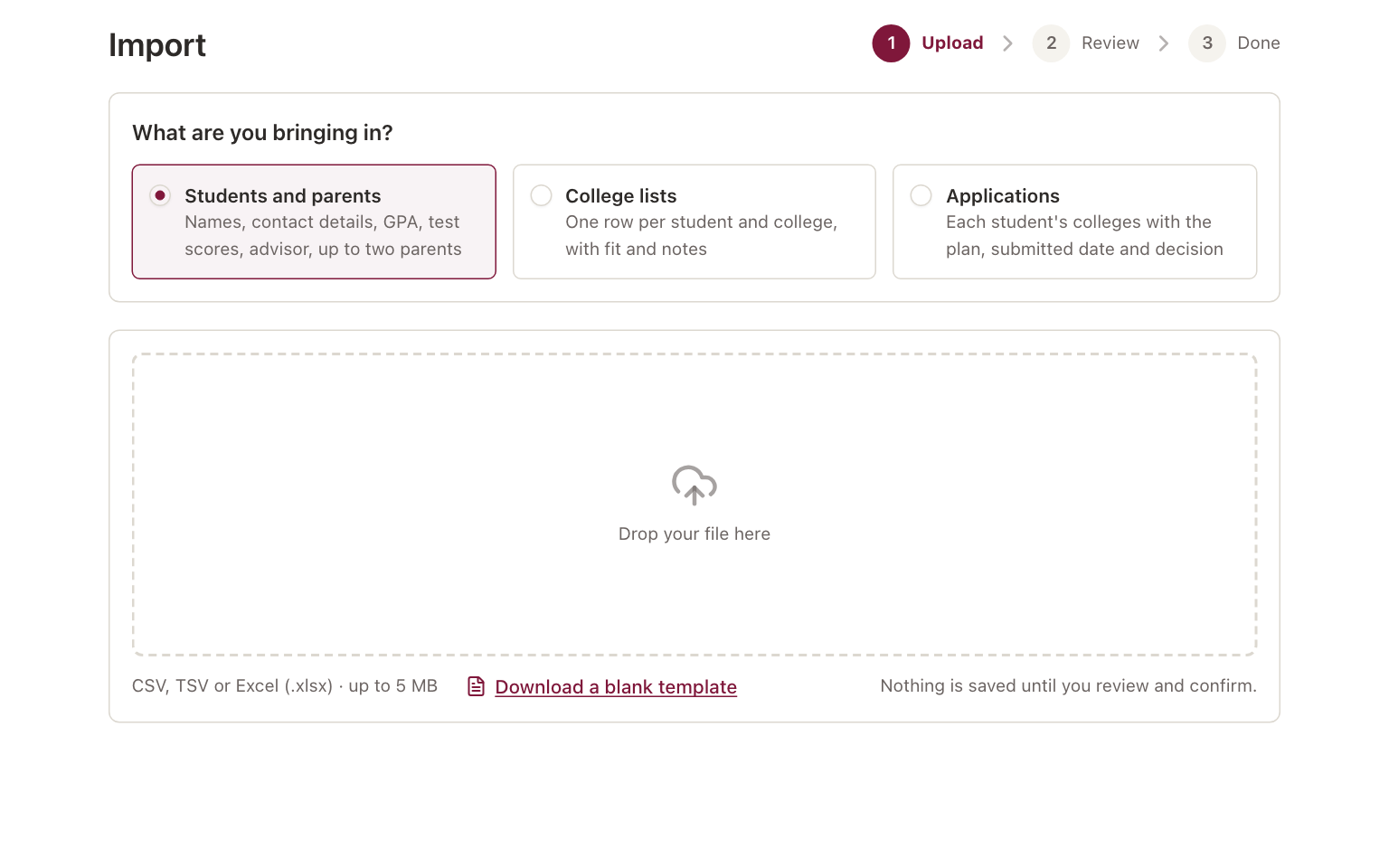
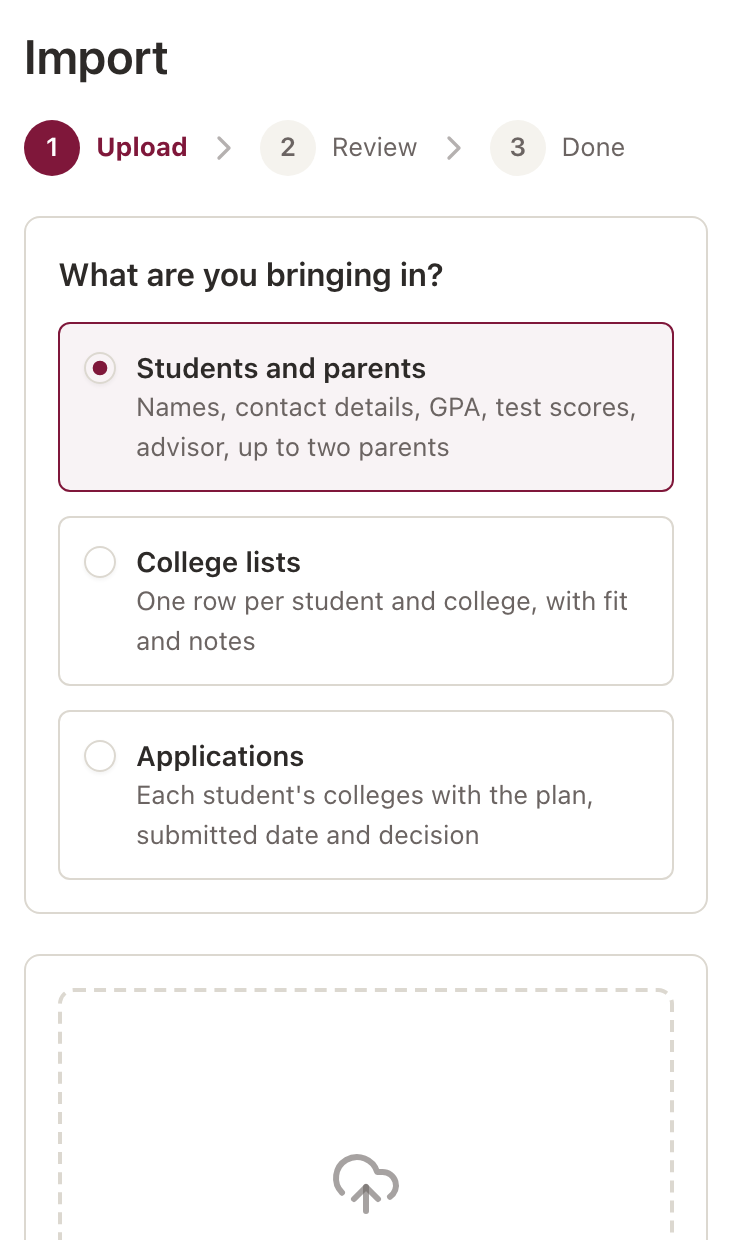
Start with students and parents so AdmitPlatform can match college lists and applications to the right students.
Use the spreadsheet you already have or start with a blank template. Upload an Excel (.xlsx), CSV, or TSV file up to 5 MB.
Recognized headings, such as “Class of,” match automatically. Match the rest yourself, like “Senior email” to the student’s email. Skip any column you don’t want to bring over.
See which rows will be added, updated, merged, or skipped, and which need attention. Choose whether to update matching records or leave them alone.
Choose Import when you’re ready. The results show what was added, updated, or skipped. Then repeat with college lists and applications.
Start with your Student Contact Info export. Then use the Admission Decision Report to bring over college lists and, where you want them, application results. The guide shows what to export, which columns to check, and what doesn’t carry over.
See supported fields and matching rules or see what you can export.
Free plan available. 45 day free trial on paid features.